Quick_Stack_Store_Sort_Trash_Restock
Goldenrevolver
Quick Stacking, Sorting, Trashing and more in one cohesive package
A late-game base has dozens of chests, and hunting for materials or restocking before crafting eats real time. These mods automate the busywork.
Quick Stacking, Sorting, Trashing and more in one cohesive package
AzuCraftyBoxes is a Valheim mod that allows players to access and use resources from nearby containers when crafting and building, based on a configurable range and item restrictions. Restrictions are controlled by the yaml file Azumatt.AzuCraftyBoxes.yml

Automatically store and deposit items from your inventory or ground into nearby chests and containers. Chest management, hotkey support, quick stack, auto-pickup, favorites, ItemDrawers, backpacks, WardIsLove, ward protection.
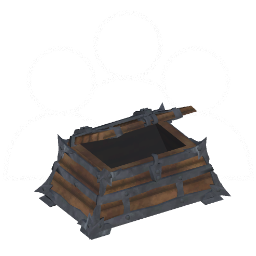
Allows multiple players to interact with the same chest at the same time

ModWish from OdinPlus Community - buildable dynamic storage containers for seeds, fruits, and vegetables!

Bunch of little UI tweaks. Tooltips for production timers, player status, items. Custom chest names, buff list, multicraft, weather forecast, crafting sorting, filtering and so on.

Adds finewood variants of the wood build pieces, stone roof shingles, thatch walls, clay build pieces, 16 containers, 23 clutters and 58 new furnitures, 6 windows, 1 trapdoor, and 18 buildable plants to decorate your home.
Standalone mod that allows you to change the size of containers in the game. Supports custom containers.
Quick_Stack_Store_Sort_Trash_Restock is the QoL bundle: hotkeys to quick-stack, sort, trash and restock. Install this first.
AzuCraftyBoxes lets crafting pull materials from nearby chests automatically — no more shuttling items to a workbench. It genuinely changes the game's pace.
AzuAutoStore one-keys the materials on you back into their matching chests.
Trade-offs: all three are complementary and can run together. Reduce 'fetching' → AzuCraftyBoxes; reduce 'putting away' → AzuAutoStore; want sort/trash/restock hotkeys → the Quick-Stack bundle.
New to mods? Read the full install & configuration guide. Read the full install & configuration guide →